A machine that stops doing what you expect costs you production every hour it sits. Most of the time you do not need to wait for a technician to drive to your shop. Ascent supports its machines over the Internet, and our service technicians in Toronto, Buffalo, and Kentucky can visit your location on very short notice when a visit is needed.
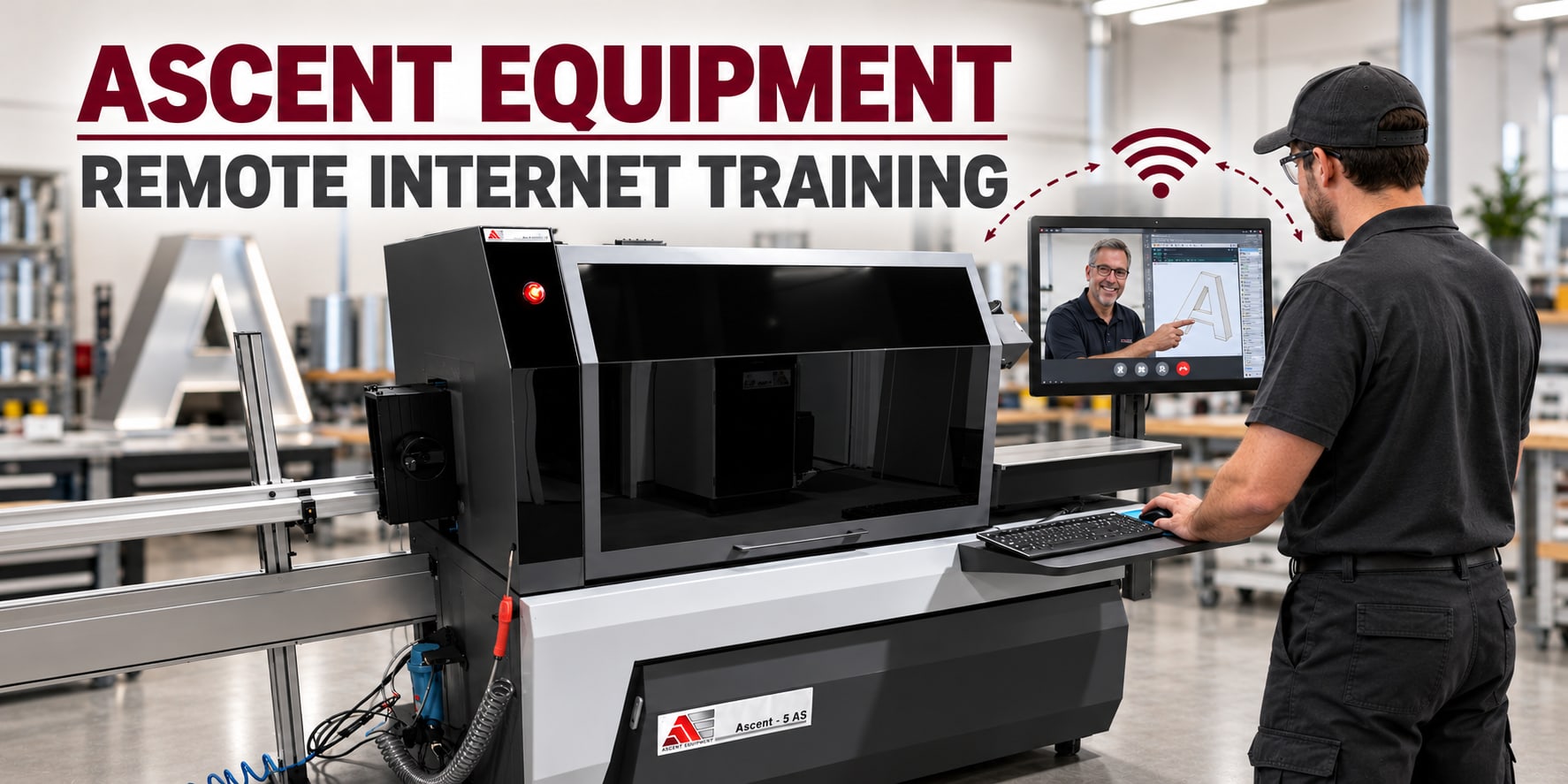
How a remote session works
Remote help starts with a call or a message to us. Then it goes like this:
- Describe the problem. Tell us what the machine did, what you were running, and any message on the screen.
- Connect. With your permission, a technician logs in to the machine's computer with remote desktop software. It comes pre-installed on our laser cutters. On our bending machines, we use the remote diagnostics that come with the machine.
- Look at the same screen. The technician sees what you see, then checks the job file, the settings, and the software.
- Fix it or walk you through it. Some fixes are a setting changed from our end. Others are steps you take at the machine while we watch and talk you through them.
- Test with a sample. We confirm that the machine cuts or bends correctly before the session ends.
When a video call helps
Some problems show up on the machine, not on the screen. A part that will not feed straight, a cut that looks wrong, a cable in the wrong place. For these we switch to a WhatsApp video call. You point your phone at the problem, and the technician sees it live. All you need is a phone with WhatsApp.
Keep the remote login open at the same time. The technician can then watch the screen and the machine together.
Remote training
Installation and operator training at your shop are included in the price. For bending machines, that visit typically takes three days. Remote training picks up from there. It helps when:
- A new operator joins your team.
- An operator needs a refresher.
- You want to run a new letter style, material, or job type.
- A software update adds something new. Software updates are free.
The trainer shares the screen through the remote login and talks you through each step on a WhatsApp video call while you follow along at the machine. You learn on the machine you will use, so there is no gap between the lesson and the job.
What remote help cannot do
Remote help covers settings, files, software, procedures, and diagnosis. It cannot replace a worn part or repair hardware. When the cause is physical, a technician from Toronto, Buffalo, or Kentucky can come to your shop on very short notice. A remote session first can narrow down the cause, so the visit is better prepared.
Get the most from a remote session
- Be at the machine, powered on and connected to the Internet.
- Write down the exact message, or the steps that led to the problem.
- Have a sample part ready that shows the problem.
- Keep a charged phone with WhatsApp nearby.
- Keep someone at the machine for the whole session. The technician sees the screen, but not what is happening around the machine.
- On a laser cutter, keep every laser safety rule in place. Our laser safety guide explains them.
Support for the life of the machine
Lifetime remote technical support and diagnostics come with every Ascent machine, along with free software updates.
To ask about a machine or to plan training, contact us. You can also look at our channel letter bending machines and our fiber laser cutters.