What does the price include? Are there hidden fees?
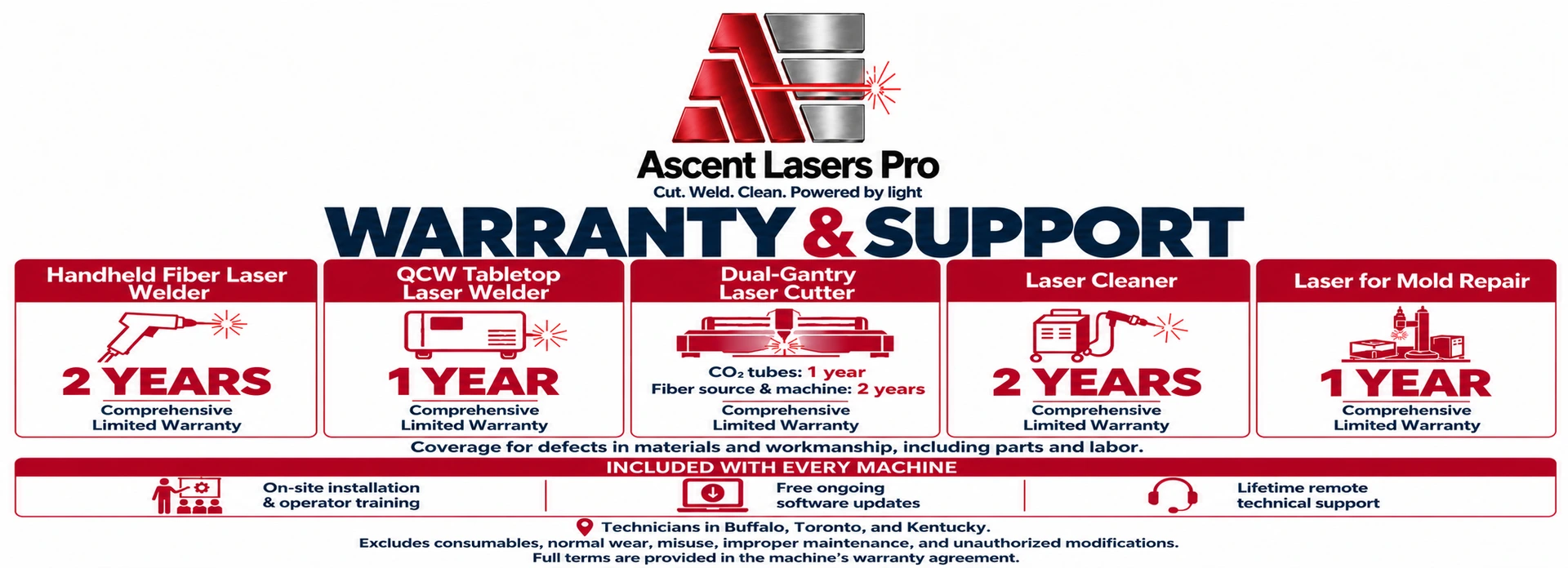
At Ascent Equipment, our pricing is completely transparent. The quoted price includes everything needed for operation — no add-ons, hidden fees, or extra charges. The price includes shipping and on-site installation and training. Also included: a full warranty (1 year on the CO2 laser tube, 2 years on the fiber laser source, and 1 year on non-consumable parts and workmanship); ongoing software updates at no additional cost; lifetime remote diagnostics and assistance; remote desktop software pre-installed for rapid-response remote assistance and retraining. With technicians strategically located in Buffalo, Toronto, and Kentucky, help is always nearby.
What is your warranty?
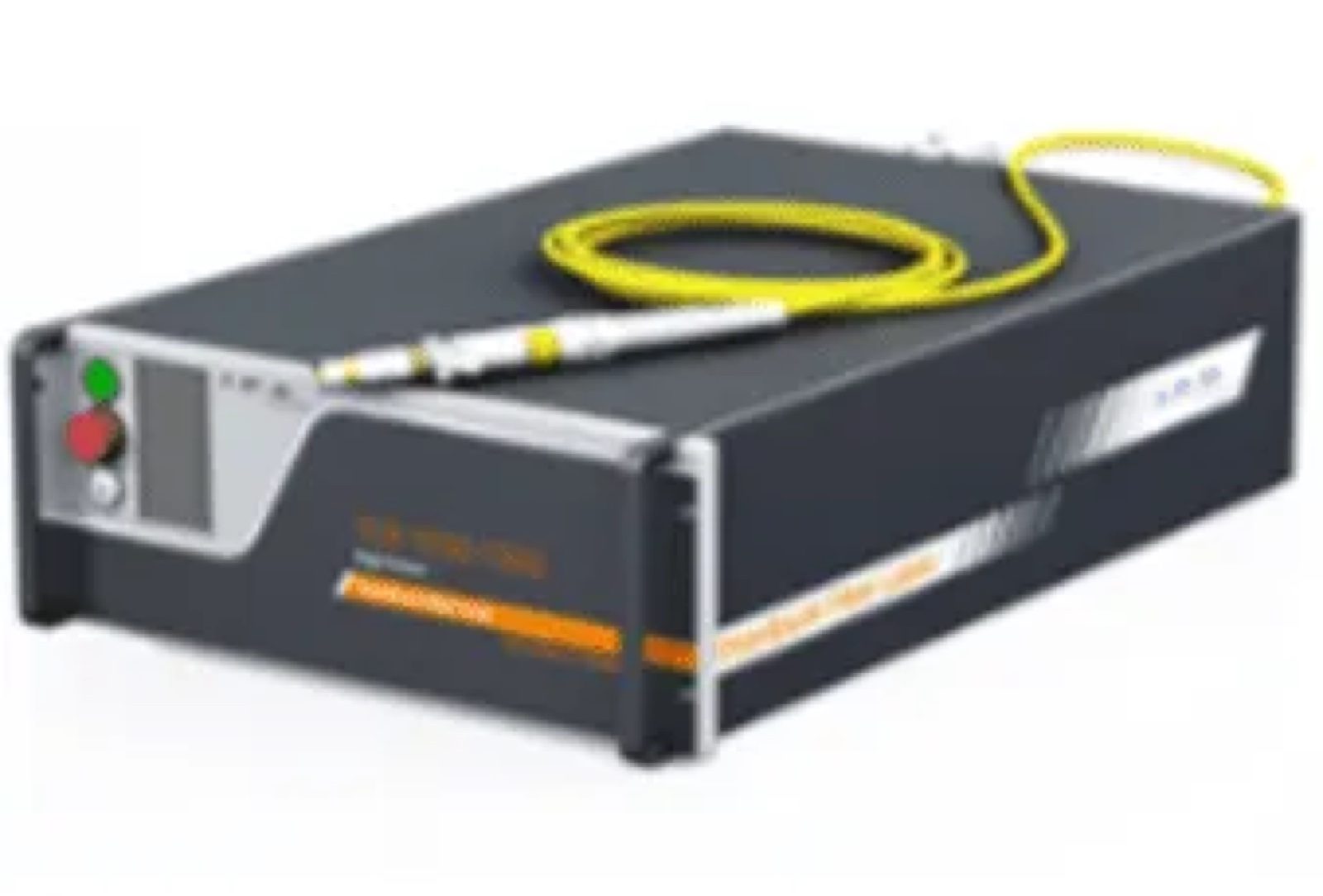
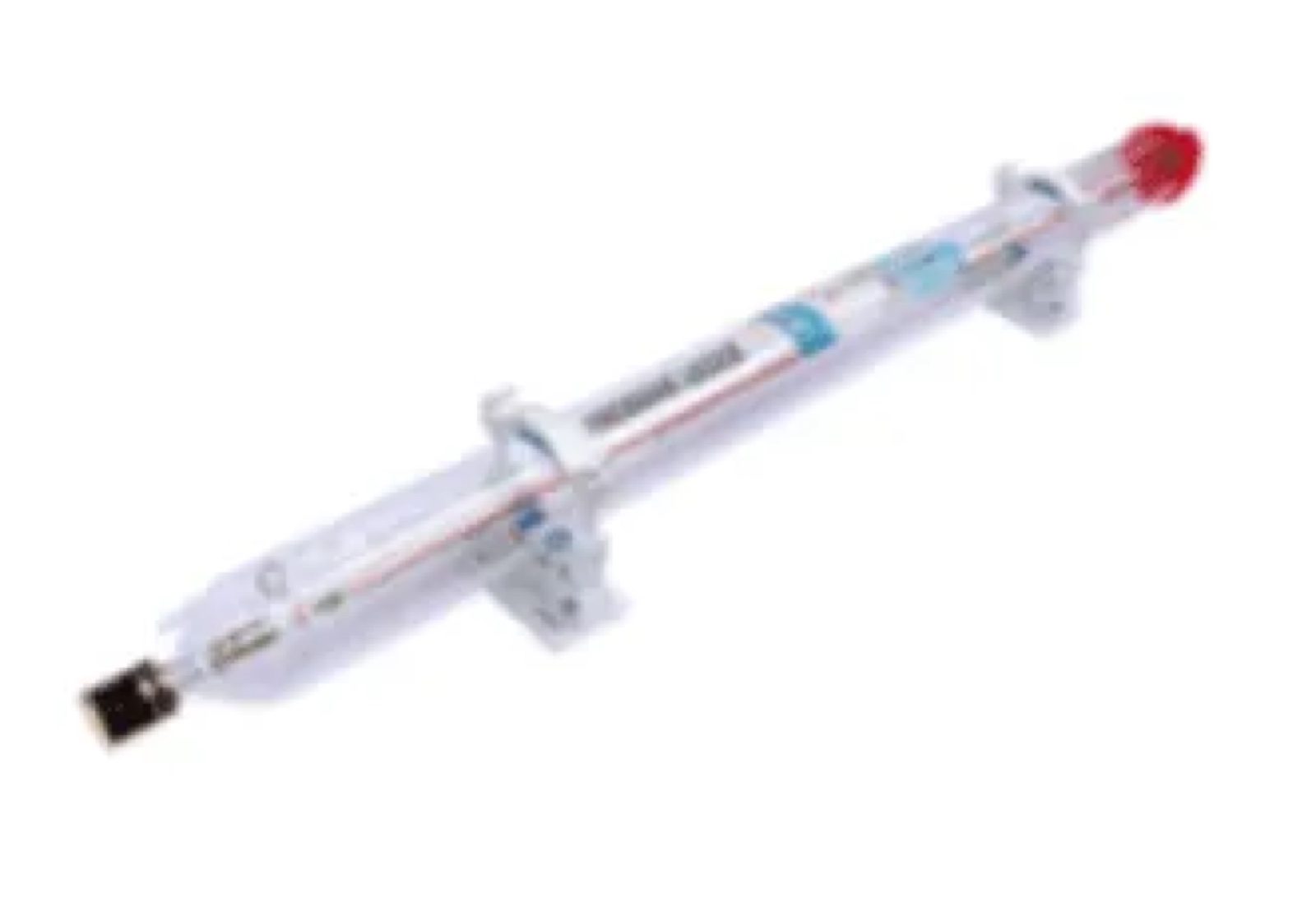
The Ascent Combination CO2 and Fiber Laser Cutter includes a 1-year warranty on the CO2 laser tube, a 2-year warranty on the fiber laser source, and a 1-year warranty on non-consumable parts and workmanship.
Which laser do you recommend for cutting metals?
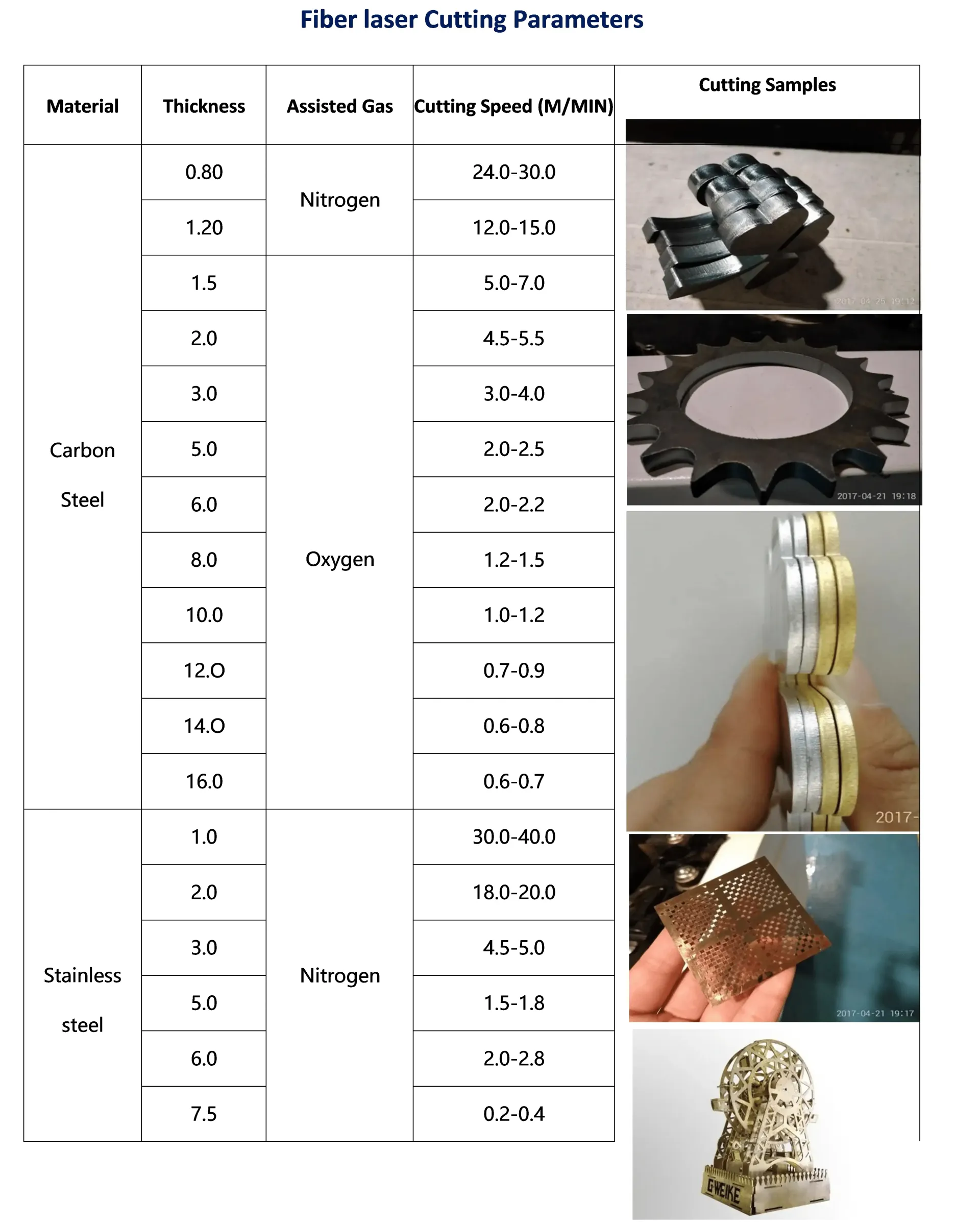
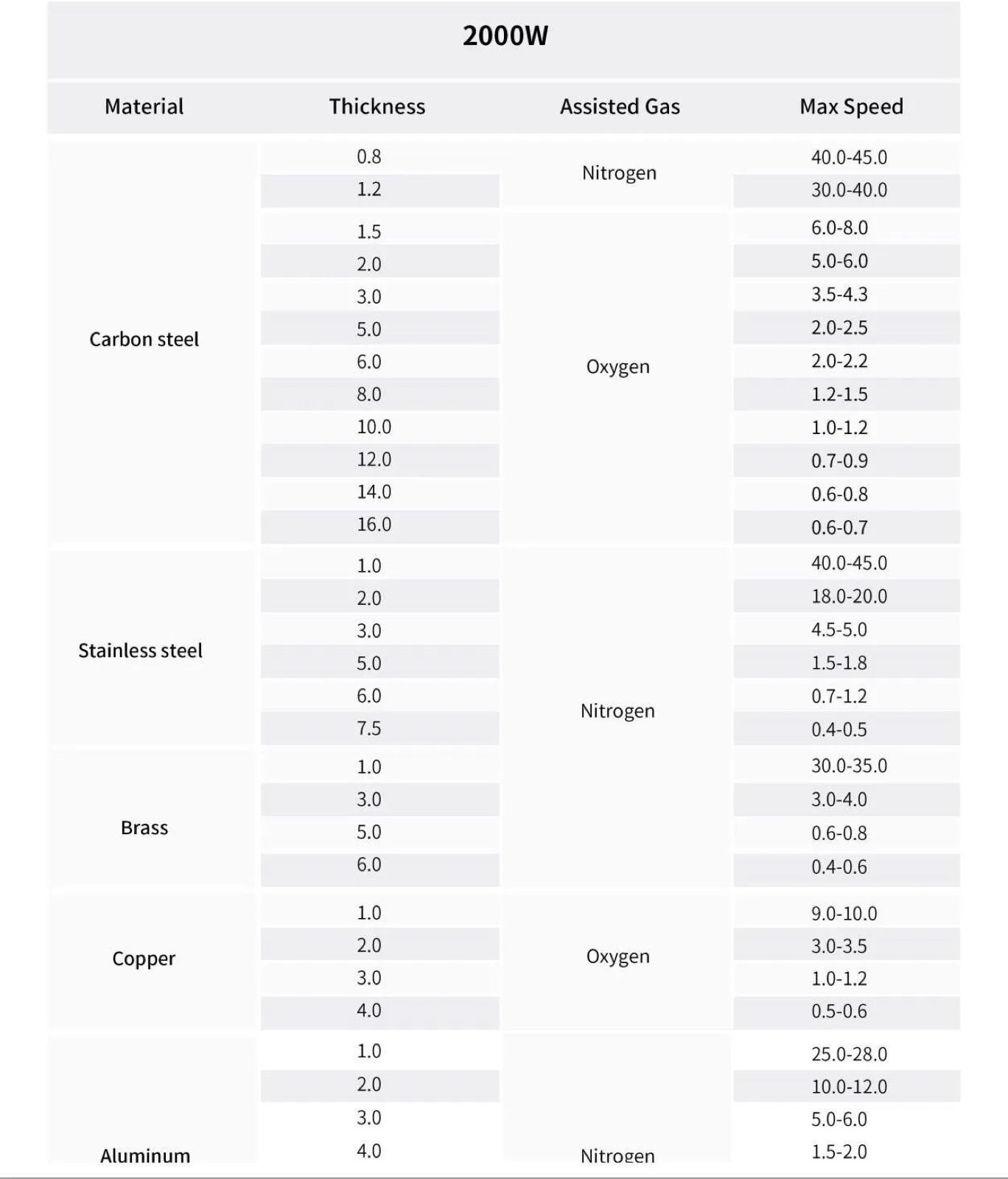
To cut metals with a laser, a fiber laser should be used.
Which laser do you recommend for cutting acrylic and wood?
A CO2 laser should be deployed for cutting acrylic and wood.
Which laser cutter do you recommend for the sign industry?
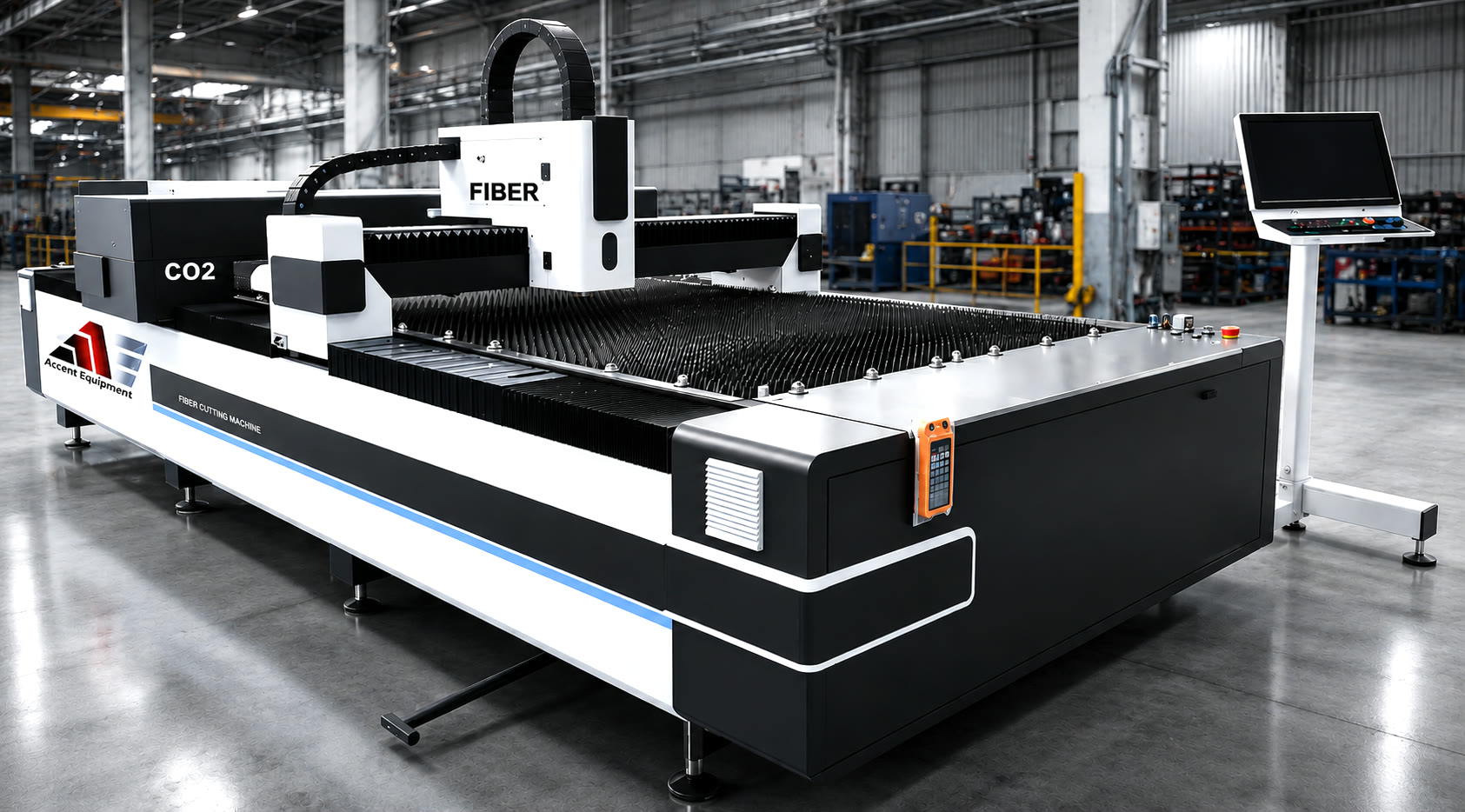
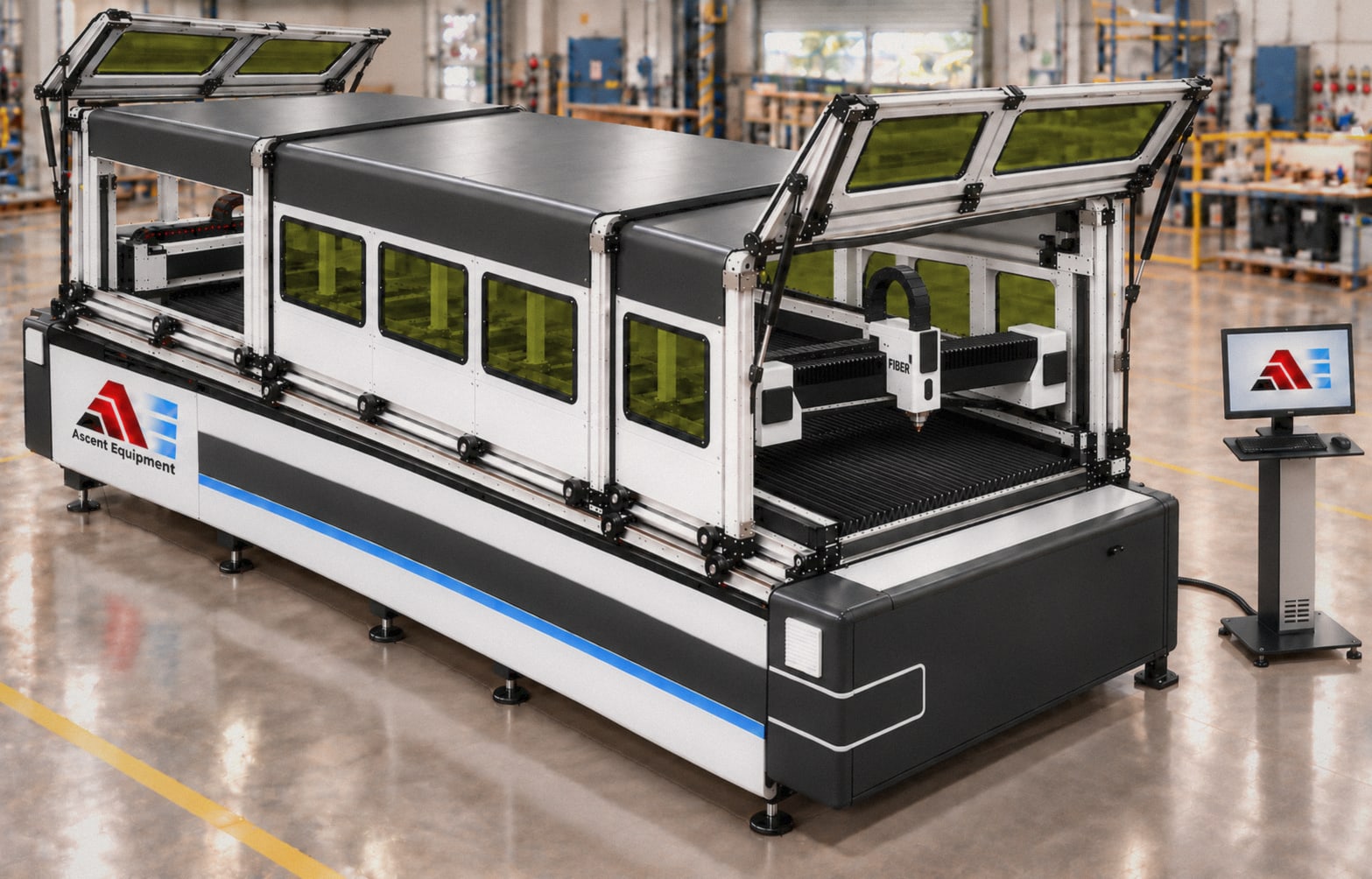
Ascent offers a dual gantry laser cutter with CO2 and fiber capabilities that can cut metals and non-metals simultaneously, available in sizes of 5'x10' or 6'x12'.
How about laser safety?
For laser welders, we recommend laser safety goggles worn under a fiber laser helmet; Ascent handheld welders ship with a fiber laser helmet plus one pair of OD 8 goggles. Standard welding gloves ship with every laser welder, or you can purchase special gloves and an apron that withstand temperatures over 5,000 °F. For laser welders, use laser partitions purchased from Ascent Equipment, or order a full laser room from Ascent Equipment, including an entry door and an interlock tied into the laser welder. For the laser cutter, ensure it is purchased with a cover, or use laser partitions available from us. Each laser cutter ships with a pair of OD 8 safety goggles, and more goggles or helmets can be bought from Ascent Equipment. Minimum OD 5; prefer OD 7 or 8. For the laser cutter, ventilate fumes to the outside or purchase a special filter.
What bed size do I need — 5'×10' or 6'×12'?
5'×10' covers the vast majority of channel letter and sign-face work and has a smaller shop footprint. 6'×12' is worth the extra space if you regularly run large-format panels, oversized letter sets in one pass, or want room to nest more jobs per sheet to reduce material waste. Both are available on the dual-gantry and combination cutters.
Can I upgrade the fiber laser wattage later, or do I need to choose my maximum need upfront?
Fiber laser wattage is set by the laser source installed in the machine, so it's chosen at purchase rather than field-upgraded.
What design software does the laser cutter use, and which files does it accept?
The CO2 gantry and the fiber gantry each run their own control software, both included with the machine. The machine accepts standard DXF files exported from almost any graphics or CAD software, so you're not locked into a proprietary file format.
Do I need a separate fume extraction or ventilation system, or is it built into the machine?
Fume and debris collection are offered as options rather than built-in — a smell/fume collector for the CO2 side and a debris collector for the fiber side. Plan for ventilation to outside air as part of your installation, like a laser welding workstation.
Can one operator run both the CO2 and fiber gantries at the same time?
Yes — that's the core advantage of the dual-gantry design. Each gantry operates independently and simultaneously from the same industrial computer, so one operator can have both lasers cutting different materials in parallel rather than running two separate machines sequentially.