
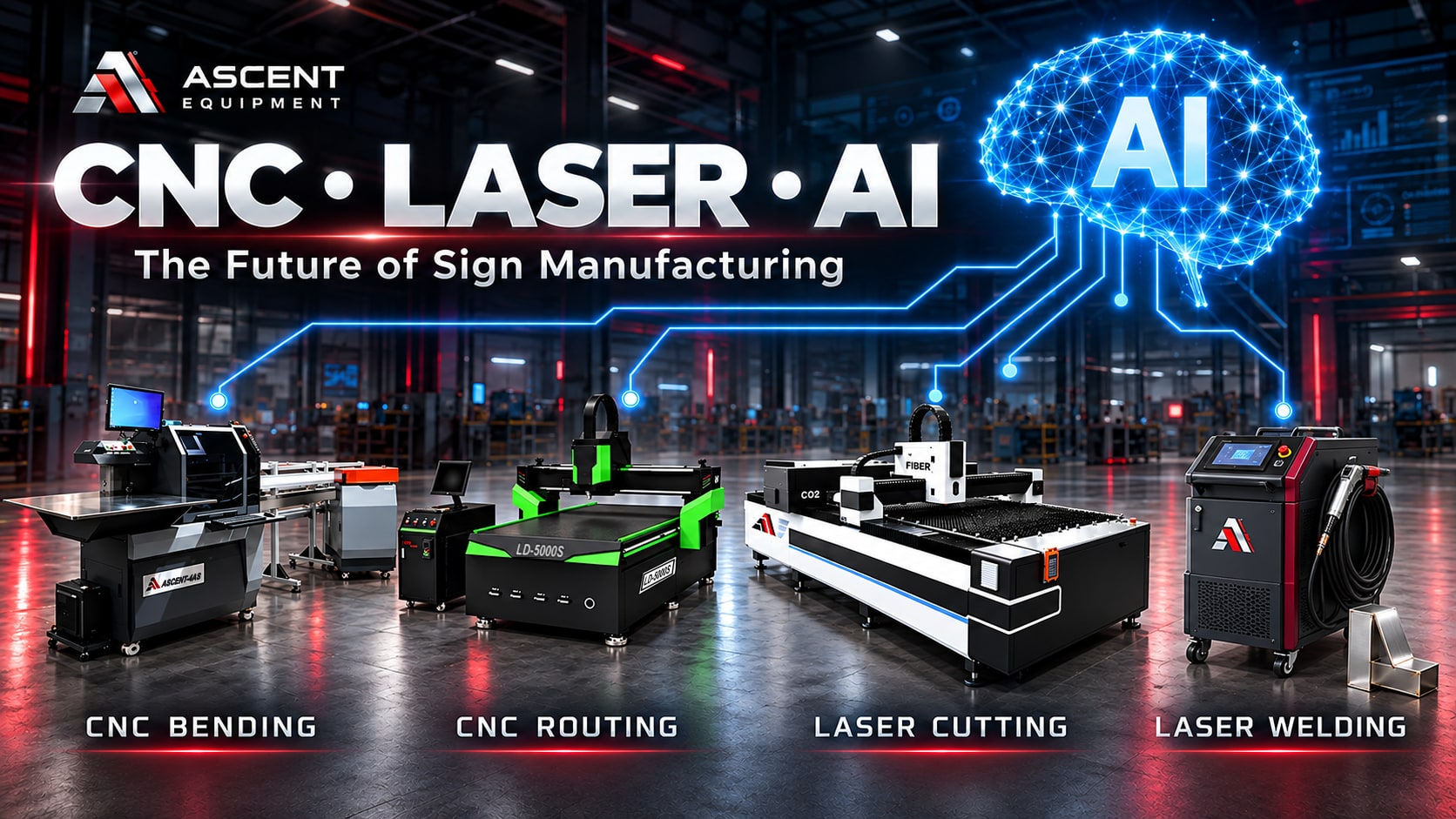
A good sign still starts with craft. Someone has to turn approved artwork into letters that are cut accurately, bent cleanly, and put together so they look right on the building. What has changed over the past few years is how much of that repeatable work a machine can do for you.
CNC, short for computer numerical control, lets bending machines, routers, and laser cutters take on the repetitive steps so skilled people can spend their time where it counts. Now a second change is starting. Artificial intelligence (AI) is showing up in the software around those machines, in file preparation, quoting, inspection, and training. This post covers both: what CNC does in a sign shop today, where AI could help next, and where it shouldn't.
At Ascent Equipment we build CNC channel letter bending machines, CNC routers, and CNC laser cutters, so the machine examples here come from the equipment we know best.
From file to finished part
Software turns a digital design into instructions that tell a machine how to move. The operator prepares the artwork, chooses the material and settings, and watches the job run.
Once a job is set up correctly, the machine can repeat the same shapes and operations without anyone measuring by hand. That helps with national sign programs, replacement parts, and orders with many identical letters.
Accuracy still depends on clean files, calibration, sharp tooling, the condition of the material, and inspection. CNC gives you a process you can repeat. Trained people make sure that process produces what the customer ordered.
CNC bending machines for channel letters
The side returns of a channel letter give it depth and define its outline. Forming them by hand means measuring again and again and working carefully around curves and corners. A CNC bending machine automates steps such as feeding, notching, flanging, and bending, depending on the model.
Ascent builds benders for different kinds of work. The EDGE-3 handles traditional notching, flanging, and bending, and it also forms reverse-halo letters. The 5AS makes trimless letters, letters with illuminated side returns, and reverse-halo letters without welding when it's used with a compatible construction system. The TMB-3 combines bending with trim production, including forming aluminum trim from flat coil. The MAX-V2 is built for oversized letters, up to 15 inches deep. You can compare all of them on our channel letter bending machine page.
The newest machine, the EDGE-4, automates more of the handling. It feeds material with a robotic arm, punches the drain holes and the screw or rivet holes, and drives all eight axes with servo motors. The EDGE-4 page lists shipping as beginning in November 2026.
For a sign shop, the practical benefit is less repetitive forming and more consistent returns. Fitting, joining, lighting, and final assembly still depend on a fabrication team that knows what a good letter looks like. If your shop still forms returns by hand, our post on moving from hand bending to machine bending covers what changes.
CNC routers for versatile sign work
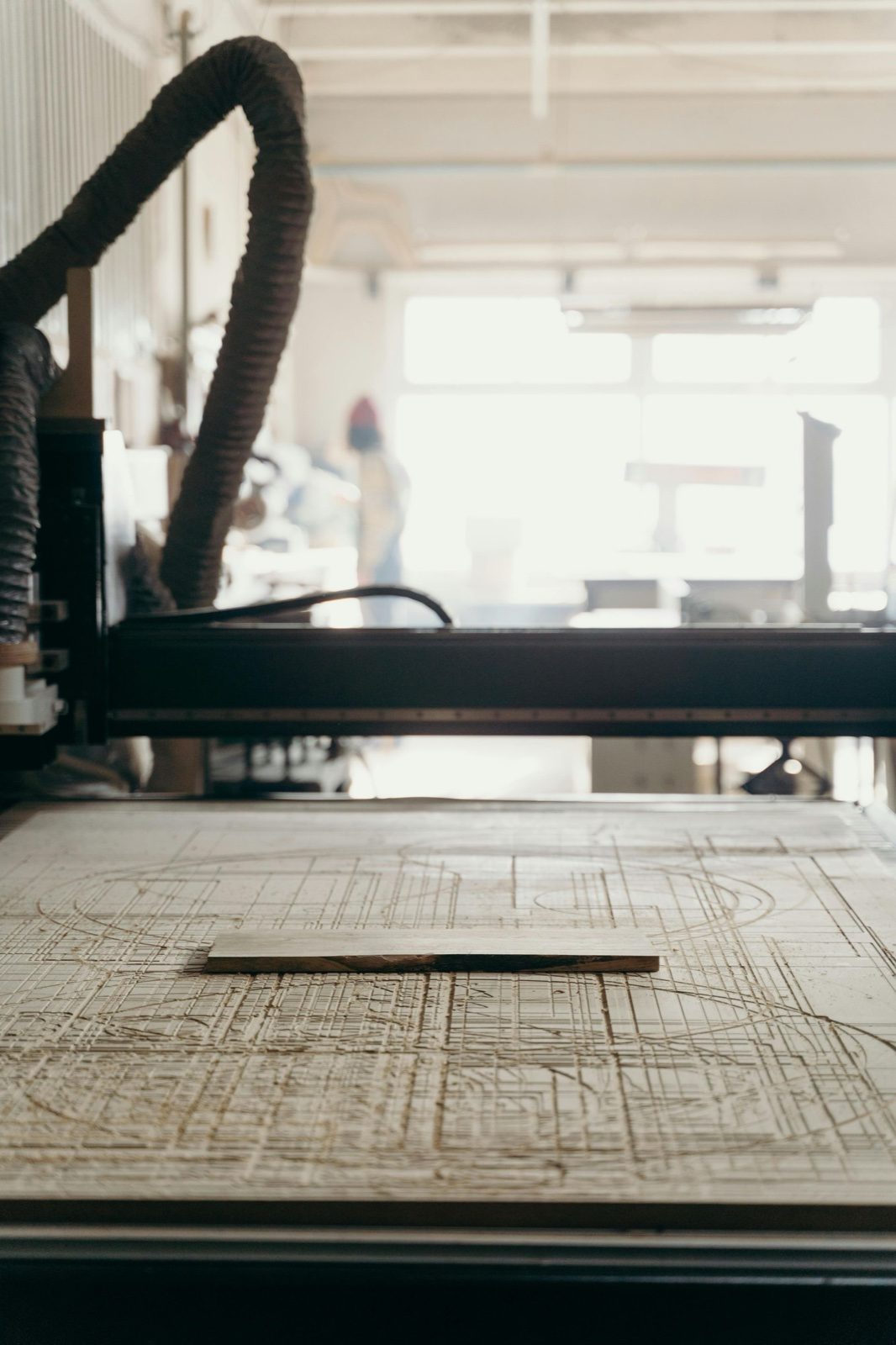
A CNC router cuts with a spinning tool, so it can cut, pocket, drill, and engrave. In sign production that means letter backs, dimensional lettering, routed panels, mounting holes, and the grooves used to fold aluminum composite material (ACM).
A router earns its place when the job needs controlled depth, pockets, or real machining instead of cutting straight through a sheet. With the right tooling it can work ACM, PVC, wood, acrylic, and some metals.
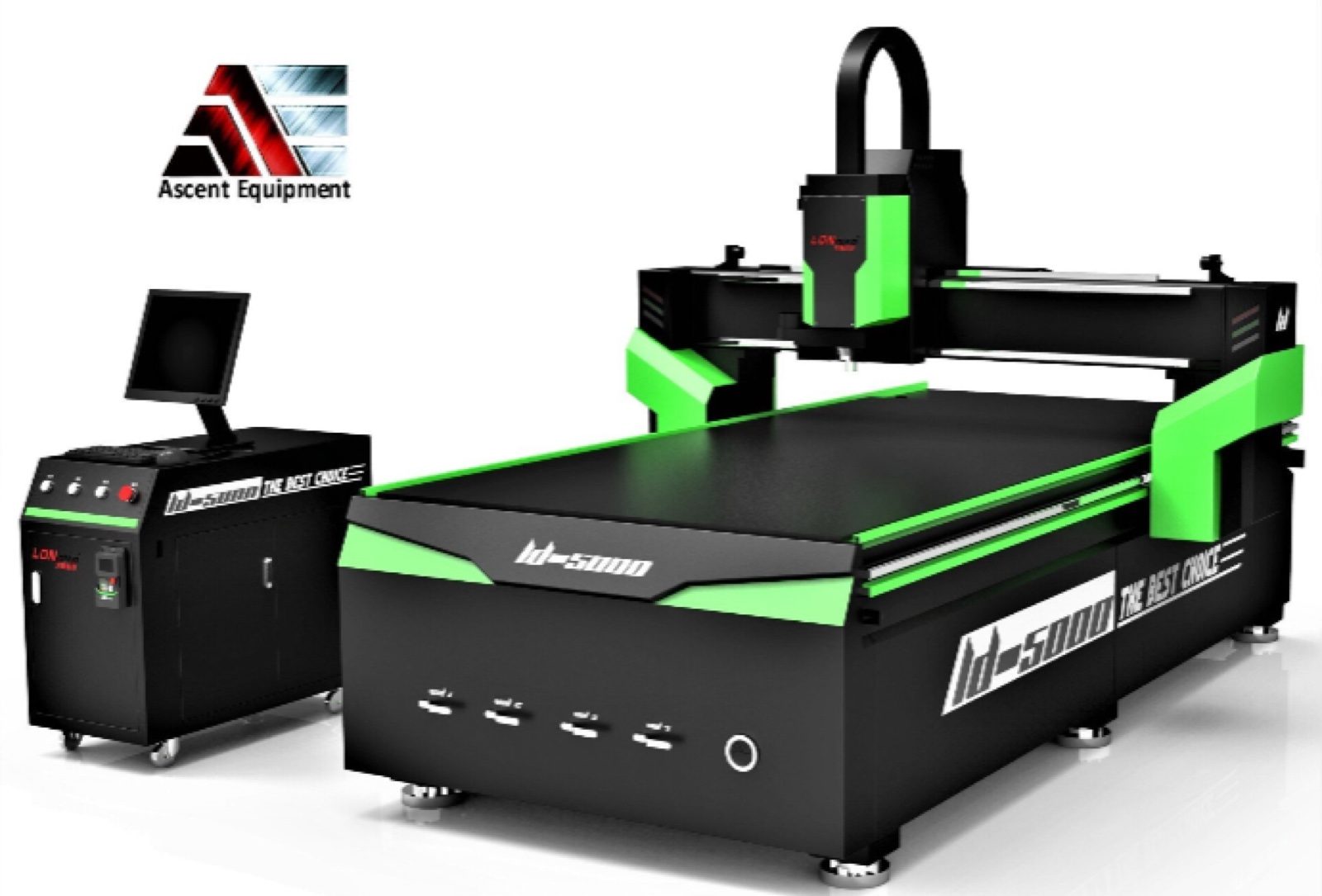
Ascent supplies CNC routers for sign shops, including the LD-5000S with an automatic tool changer. A single program can call different tools without the operator swapping each one by hand, so there are fewer stops between operations.
Good results come from the right bit, feed rate, spindle speed, hold-down method, and dust or chip collection. Even when the machine runs on its own, somebody still needs to supervise it and follow safe work practices.
CNC laser cutters for acrylic and metal
A CNC laser cutter moves a focused beam along a programmed path. For sign makers, that means detailed shapes, lettering, faces, backs, and decorative metal parts.
CO₂ and fiber lasers do different jobs. CO₂ lasers are the usual choice for acrylic and other compatible nonmetals. Fiber lasers cut metals such as stainless steel and aluminum, and how well they cut depends on power, material thickness, assist gas, and setup.
Ascent's dual-gantry cutter puts a CO₂ gantry and a fiber gantry on one machine. It comes with a 500W CO₂ source and a 3000W or 6000W fiber source, in a 5 × 10 ft or 6 × 12 ft work area, and the two gantries can work on different materials at the same time.
That lets a shop bring acrylic and metal cutting in-house. A router is still the better tool for pockets, grooves, and materials that suit mechanical cutting. PVC should be routed, not laser cut, because cutting it with a laser gives off corrosive fumes. Our post on choosing between a CNC router and a CNC laser cutter goes into the trade-offs.
Laser cutting also needs beam containment, interlocks, fume extraction, fire precautions, and trained operators. Speed only helps if the installation and the operating procedure are built to support it. We cover the rules and the equipment in our laser safety guide.
Helping new employees get productive
CNC changes where a fabricator's experience is needed. Once a process is set up, trained employees can handle routine loading, running, and checking, while your most experienced people work on complex assembly, troubleshooting, and finishing.
That can help new hires contribute sooner. They still need training in file preparation, safe operation, material handling, and spotting defects. Automation supports skilled workers, and it gives you a clearer way to develop new ones. Our post on training a channel letter fabricator lays out one way to do it.
Every Ascent machine includes on-site installation and operator training, and we provide lifetime remote technical support. That gives a shop a starting workflow and help when questions come up later.
Costs and capacity
The value of CNC isn't only machine speed. Savings come from fewer manual steps, less rework, better use of material, and putting experienced people where they matter most. Nesting software, which arranges parts on a sheet to cut down on offcuts, belongs on that list. It's automation, but it isn't necessarily AI.
Here's an example with made-up numbers. Say automation cuts a job from eight labor hours to five. At a fully burdened labor cost of $35 an hour, that saves $105 on the job, or $2,100 across 20 similar jobs. It's an illustration, not a measured Ascent result.
Your own savings depend on job complexity, setup time, material, how busy the machine stays, and how you made the part before. A purchase calculation should also include financing, maintenance, consumables, electricity, and any added assembly capacity. Our post on reducing labor costs in your sign shop has more on the numbers.
The best investment fixes a bottleneck you really have. Faster bending pays off when cutting and assembly can keep up. Faster cutting pays off when you can finish and deliver the extra work.
Where AI fits in a sign shop
A CNC machine does exactly what its program says. It has no idea whether the program is a good one. AI works differently. It's software that finds patterns in data such as files, past jobs, photos, and machine readings, and then offers a suggestion, a prediction, or a draft. That makes AI a better fit for the work around the machine than for running the machine.
A note on what's real. The ideas below show where AI could help a sign shop. They aren't claims about what any Ascent machine does today. Some are available now as separate software you can try, and others are still early. In every case, a person should check the result before it reaches a machine or a customer.
What counts as AI
Not every smart feature is AI. Nesting software and toolpath software follow fixed rules to arrange parts and plan cuts. That's valuable automation, and it has worked for years. AI means software trained on examples, such as tools that recognize what's in a photo, read and write language, or predict an outcome from past data.
The difference matters when you evaluate software. Ask what the tool learned from, how you can check its answers, and what happens when it's wrong.
Artwork and file preparation
File problems waste more machine time than most shops expect. Open contours, duplicate lines, tiny features, text that didn't convert properly, and curves that are too tight for a bender or too small for a router bit all show up as scrap or a stopped job.
AI-assisted tools can flag these problems and suggest fixes, and some can turn a low-quality logo image into clean vector lines. The operator reviews every suggestion. A traced logo isn't the customer's approved artwork until someone compares it with the original, curve by curve and color by color.
The checks work best when they match your own limits: the smallest letter you'll make, the tightest radius your bender can form, the thinnest stroke your router bit can follow. Write those limits down, and any checking tool, AI or not, becomes more useful.
Estimating, quoting, and scheduling
Most shops already hold the data that could make quoting faster: job hours, materials, scrap, and what each job sold for. A tool trained on that history could estimate machining and assembly time, flag a job that looks underpriced compared with similar ones, and suggest an order for the week's work based on deadlines, material on hand, and machine capacity.
Language tools could also read a customer's email or drawing, pull out sizes, quantities, and materials, and fill in a draft quote. A person still sets the price and approves the quote.
This only works if the history exists. If hours were never recorded, there's nothing to learn from, so start tracking them now.
Nesting and process settings
AI could compare nesting layouts for material yield and learn which layouts worked best for your parts. It could also suggest starting speeds, power levels, or feed rates for a material, based on jobs your shop already ran and approved.
Treat any suggested setting as a starting point. Run a test part first, the same way you would with a new sheet of material.
Quality inspection
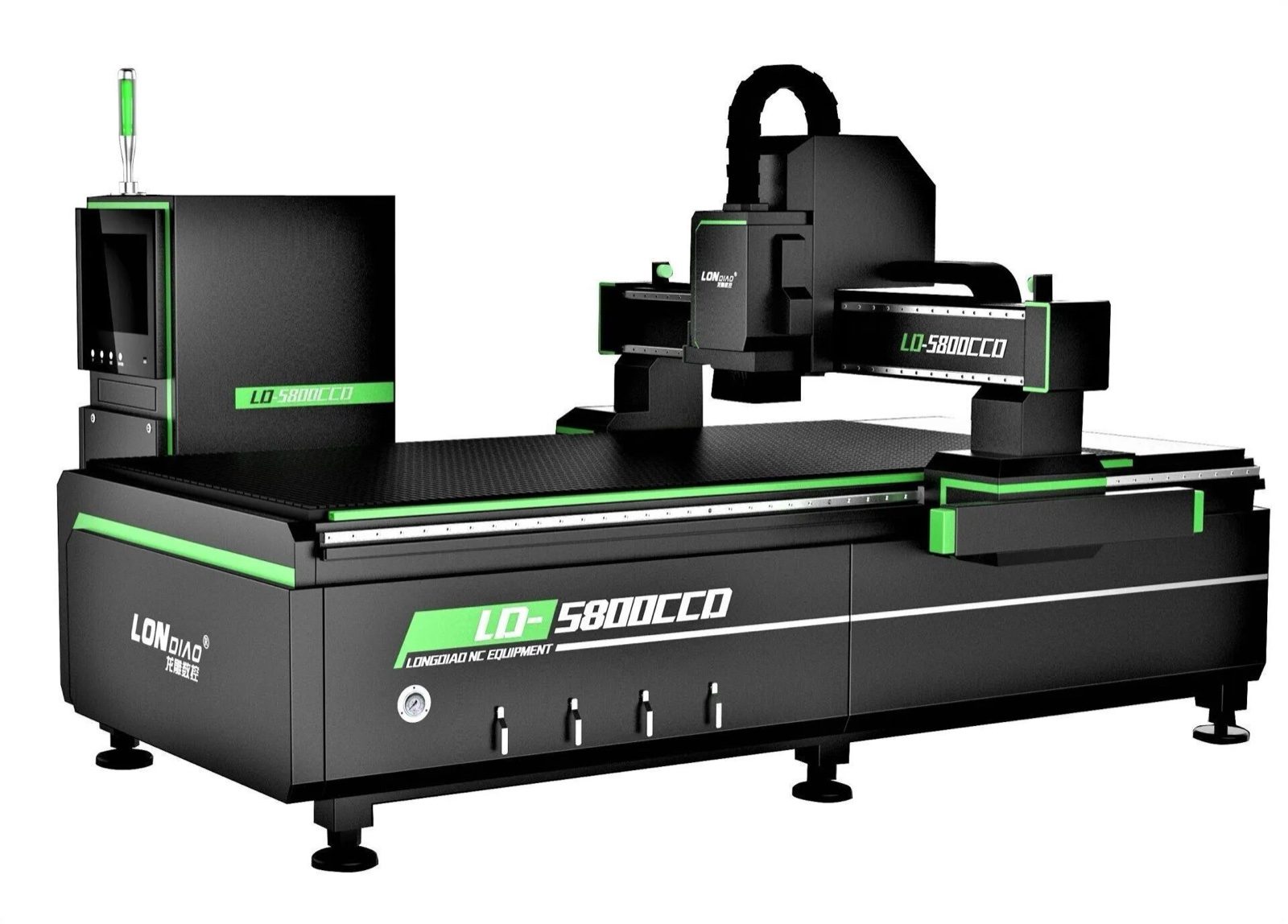
Cameras are already part of CNC work. The Ascent LD-5800-A router has a CCD camera option that lets the operator register printed work, so the machine cuts where the print is. A camera like that follows fixed rules. It finds the marks it was set up to find.
AI-based vision could go a step further. A camera and image-analysis software could compare finished parts with the file and flag problems: a missing notch, a wrong angle, a scratch, a burn mark, or a dimension outside tolerance. The idea is to catch a problem on the first part instead of the fiftieth.
Lighting, camera calibration, and shiny metal can all confuse these systems. They add to the tape measure and the gauge. They don't replace them.
Maintenance and uptime
Machines produce a steady stream of data, including motor load, temperatures, cycle counts, and alarms. Predictive tools look for changes that tend to come before a failure, such as tool wear, a filter that's filling up, or a cooling problem. Staff can then check the machine before quality drops or the job stops.
A prediction is only a prompt to look. The fix still takes a technician and the right parts, which is why we pair our machines with on-site installation, operator training, and remote technical support.
Training and operator help
An AI assistant connected to a machine's approved manuals could help an operator find setup steps, explain an alarm code, or walk through a troubleshooting checklist. For a new employee, that can make asking a question feel easier.
The assistant has to stay tied to current documentation and show where each answer came from. Anything involving machine settings or safety should be confirmed with the manual or a trained person. It's a way to find information faster. It doesn't replace hands-on training.
Mockups and proposals
Image-generating tools can produce a concept picture of a sign on a building in minutes, which helps early conversations with a customer. They also tend to garble lettering and logos, so check every letter against the real artwork.
Treat these images as concepts. Approval drawings should come from the customer's actual artwork at real dimensions.
Keep safety physical
AI can suggest. It should never be the only thing standing between a person and a hazard. Guards, interlocks, emergency stops, and laser enclosures have to work on their own, whatever any software decides. That applies to bending machines, routers, and especially lasers. Our laser safety guide explains what an installation needs.
Two more cautions. Customer artwork and pricing are business information, so find out where any online tool sends your files and whether you have permission to use it that way. And keep a person responsible for approving any change to machine settings.
A simple test for any AI tool
The pattern with CNC was that the machine took the repetitive steps and people kept the judgment calls. That works as a test for AI tools too. If a tool takes over a repetitive step, such as cleaning up a file or drafting a quote, it can save real time. If it makes a judgment call that nobody reviews, such as setting a price, changing a machine setting, or signing off on a safety check, be careful. Someone on your team should always be the one who decides.
How to start
You don't need a big program to begin. A sensible first year looks like this:
- Record the basics: job hours, scrap, rework, and machine downtime.
- Pick one headache that repeats, such as file cleanup, quoting, or troubleshooting questions.
- Try one tool on non-critical jobs.
- Keep a person approving every result.
- Compare time and errors before and after.
- Expand only after the first tool has proven itself.
A more predictable sign shop
CNC bending machines form letter returns. CNC routers handle versatile machining. CNC laser cutters produce acrylic and metal parts. Together they give a shop more control over quality, scheduling, and the range of work it can do in-house.
AI could help shops plan, prepare, inspect, and maintain that kind of production, but only if the basics are in place: capable machines, clean data, trained people, and a workflow everyone follows. That combination is how digital designs become consistent finished signs, and how a shop makes room to grow.
Want to talk through which machines fit your shop? Contact us. Installation and operator training are included with every Ascent machine, and we're glad to help you plan.
Learn more
- Compare Ascent CNC channel letter bending machines
- Ascent 5AS bending machine
- Ascent TMB-3 bending and trim machine
- Ascent CNC routers
- Ascent dual-gantry CO₂ and fiber laser cutter
- Ascent laser safety guide
Product details were checked against the Ascent Equipment site on October 10, 2026. Specifications and configurations can change, so confirm them with us before you order.